


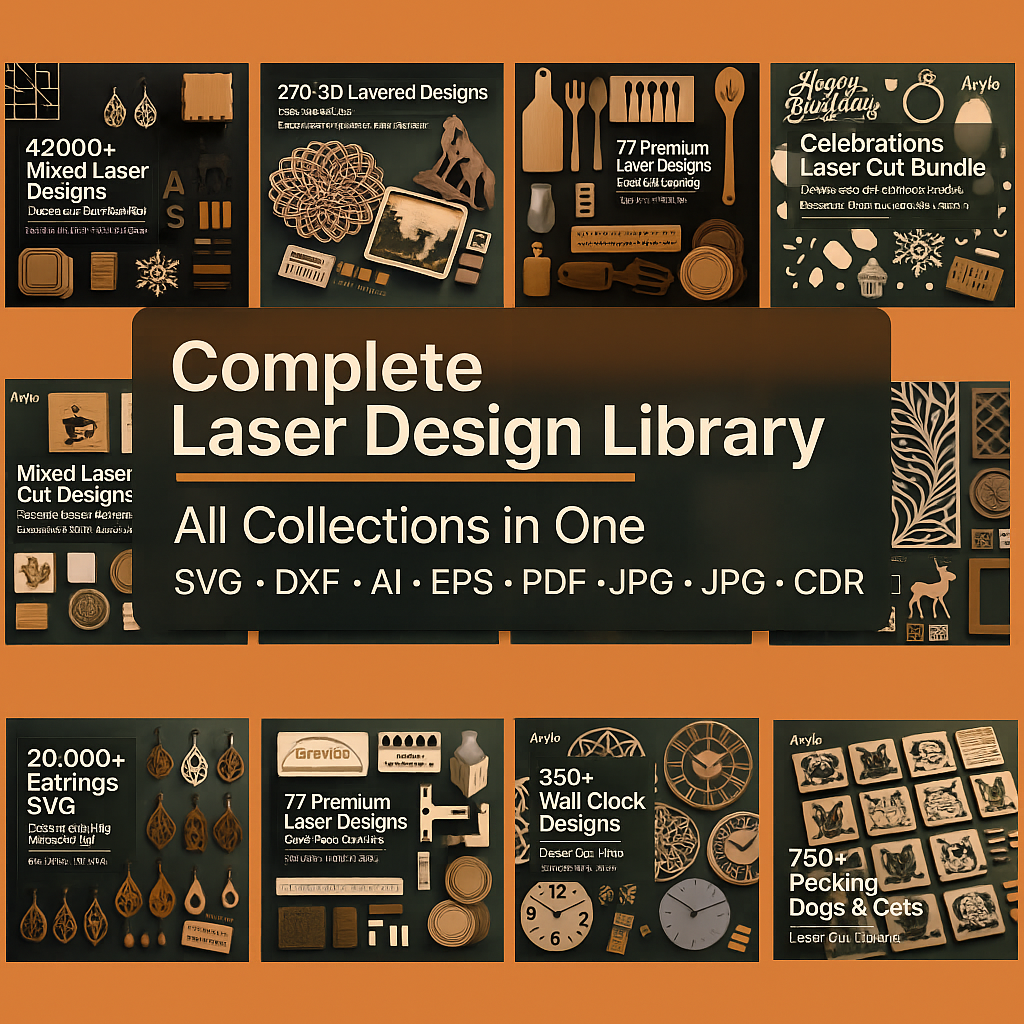


Complete Laser Design Library
Avylo's Ultimate Pack delivers thousands of kerf-aware files in SVG · DXF · PDF formats. Compatible with LightBurn, Glowforge, and xTool. Includes Test Cut Cards and commercial licensing.
Featured Designs
Tap to Zoom • Swipe to Explore

Premium Design
Intricate laser cut pattern with elegant details

Modern Art
Contemporary design style

Classic Beauty
Timeless elegance

Creative Vision
Unique artistic expression

Natural Forms
Nature-inspired patterns

Geometric Art
Precise mathematical beauty

Elegant Style
Sophisticated design

Bold Statement
Eye-catching patterns

Refined Detail
Carefully crafted

Artistic Flow
Smooth, organic lines

Pure Design
Minimalist perfection

Dynamic Energy
Movement in form
What's inside
Every collection in one library—organized, kerf-aware, and machine-ready.


Works With Your Machine
Glowforge · xTool · OMTech · Thunder · Cricut · Silhouette


Design Showcase
Explore stunning examples from our collection of thousands of celebration designs


How You'll Receive Your Files
Get immediate access to hundreds of celebration designs through secure Google Drive

Instant Email with Google Drive Access
After placing your order, you'll receive an instant email containing secure Google Drive links to access all your celebration design files. No downloads required—everything is organized and ready to use directly from the cloud.
Instant Access
Email delivered within seconds of purchase
Cloud Storage
Access from any device, anywhere
All Formats
SVG, DXF, AI, and EPS included
How does it work?
Get started with your design library in just three simple steps
-
01

Step 1 Download your Bundle
Download from the email you will receive after purchase or directly from the store.
-
02

Step 2 Import the Files
Import the files into your favorite software by following the guides provided in the download.
-
03

Step 3 Start Creating
Savor your incredible new designs and start envisioning your next project!
Ready to go!
Frequently Asked Questions
Everything you need to know about your laser cutting design library
When will I have access to my purchase?
Once your order is confirmed, you will receive an email within minutes with a link to download the templates and all the files. Once downloaded, just unzip the folder and you can start working!
Important: If you don't see the email, please check your spam/promotions folder.
What file formats are provided in the Huge Bundle?
You'll get SVG, DXF, and PDF for broad compatibility.
Files are organized into 3 mm / 4 mm / 6 mm folders and include a Test Cut Card to dial in kerf.
Are there any restrictions on the number of downloads or the timeframe?
We don't impose artificial limits—your download link is intended for your ongoing access.
If you ever lose access or the link expires, just email support@avylocuts.com and we'll refresh it.
💾 We recommend keeping a local backup after downloading.
Is it possible to use these files on different laser cutters?
Yes! Files work great with:
- Machines: Glowforge, xTool, OMTech, K40, Thunder, and more
- Software: LightBurn, Glowforge App, xTool Creative Space, Illustrator, and Inkscape
⚙️ Always run the included Test Cut Card to tune kerf for your material and machine.
May I use these designs for business purposes?
Certainly! You are free to use our designs for both personal and commercial endeavors, with no limitations on the number of finished items you can sell.
⚠️ Redistribution, reselling, or sharing of the digital files is not permitted.
What steps should I take if I encounter issues with downloading or the files themselves?
Quick troubleshooting steps:
- Check spam/promotions for your email and ensure the order email is correct
- Try downloading on a desktop browser
- Fully unzip the folder before opening files
If a file appears corrupt or you hit an error, contact support@avylocuts.com with your order number and a brief description—we'll replace or fix it quickly.
Can the files be modified to suit my specific project needs?
Yes—feel free to edit for personal or commercial production (e.g., adjust slot widths, scale parts, engrave your branding).
📏 Note that scaling affects fit; re-run the Test Cut Card when changing materials or sizes.
Please don't redistribute the modified digital files.
Is there a customer support team available for assistance?
Absolutely! Email support@avylocuts.com
We typically respond within one business day. 🚀